Introduction
A team receives a new AI tool that promises to save time.
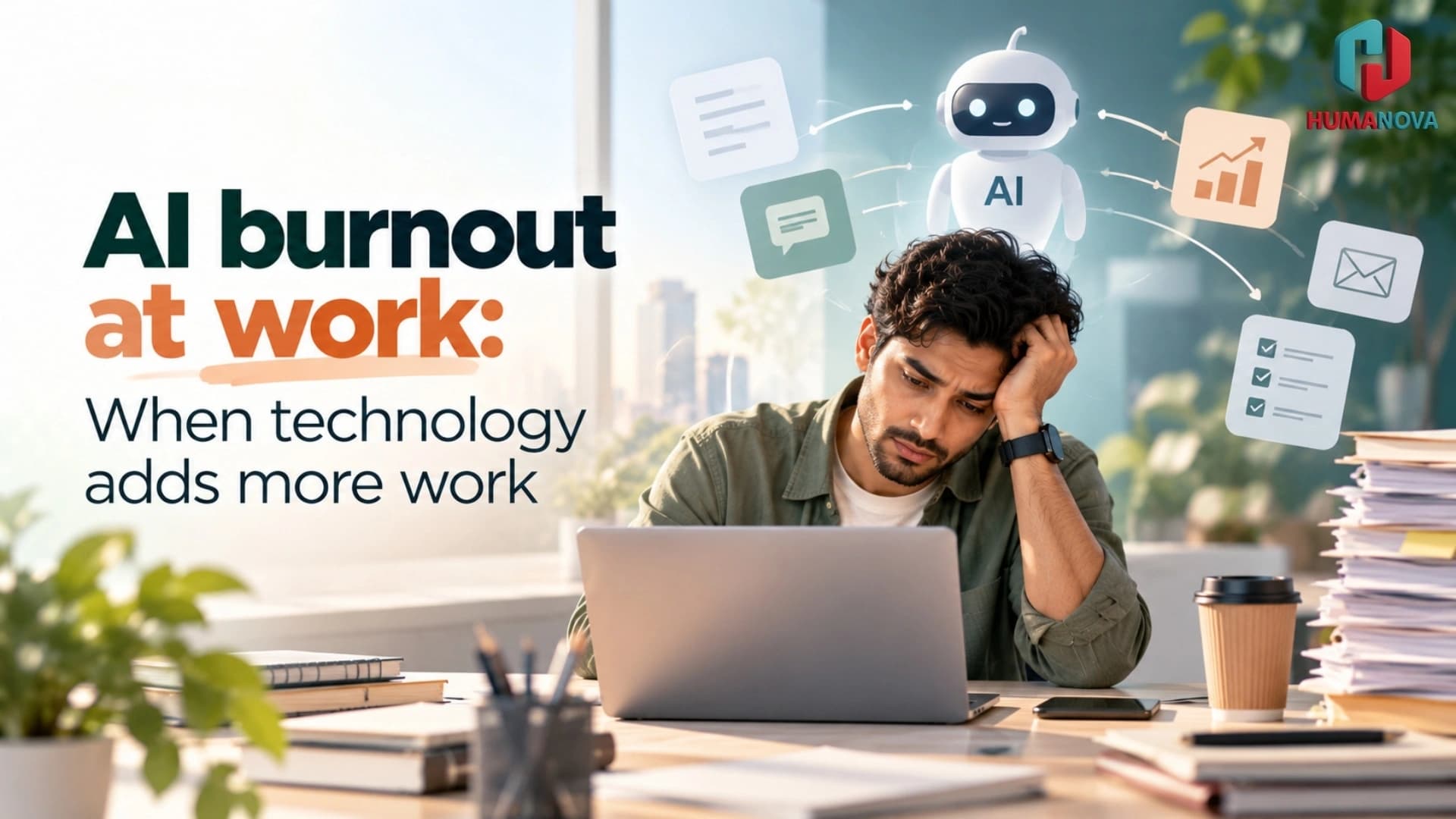
Employees attend a short demonstration and are encouraged to start using it immediately. Their targets stay the same. Their existing systems remain in place. Now they must also learn how to write prompts, check AI-generated work, correct errors and document how the tool was used.
The organisation expected faster work. Employees experience more work.
At first, the added pressure may look like normal adjustment. People work later to learn the tool. Managers answer questions between meetings. Experienced employees become informal support desks. When engagement falls or mistakes increase, leaders may assume that employees are resistant to change.
The real problem may be poor implementation.
AI burnout at work can develop when new technology adds complexity, speed and responsibility without removing old tasks or giving employees enough control, time and support.
Employers cannot understand this problem through an annual survey alone. Nor can they solve it with an occasional wellness event. Workplace wellbeing is shaped by how work is designed every day: priorities, workload, role clarity, management, recovery time and psychological safety.
Featured snippet: AI burnout at work can occur when AI tools add learning, checking, switching and accountability without removing existing work. HR can reduce the risk by redesigning workflows, setting realistic expectations, providing role-based training, protecting recovery time, equipping managers and listening to employees through confidential, privacy-conscious channels.
Why this issue matters now
AI adoption is accelerating across Indian technology companies, global capability centres, financial services, consulting, manufacturing, retail and customer operations.
Employees are using AI to draft content, analyse data, summarise meetings, write code, prepare reports and automate routine workflows. Many of these uses can reduce repetitive work.
But the productivity benefit is not automatic.
An AI-generated report may take minutes to create and much longer to verify. A customer-service assistant may produce faster responses but require employees to monitor accuracy and tone. A developer may generate code quickly but remain responsible for security, testing and maintenance.
The visible task becomes faster while the checking work grows.
At the same time, employees are already navigating hybrid work, constant notifications, cross-time-zone collaboration and repeated organisational change. AI enters a workday that may already be overloaded.
Microsoft’s 2025 research on the “infinite workday” found that digital work is increasingly fragmented by messages, meetings and interruptions. Nearly half of surveyed employees said work felt chaotic and fragmented, while one-third said the pace of work over the previous five years had made it impossible to keep up.
These are global findings, not a diagnosis of every Indian workplace. They are still a useful warning. Adding AI to an overloaded system can accelerate the overload.
The business consequences may include:
- Lower trust in leadership
- Reduced engagement
- More avoidable errors
- Poorer decision-making
- Difficulty learning new skills
- Resistance to future change
- Higher absence
- Loss of experienced employees
For HR, the question should not be, “Are employees using AI enough?” It should be, “Is AI improving the work, or simply increasing its volume and pace?”
Understanding AI burnout at work
AI burnout at work is a useful description of chronic workplace pressure linked to the way AI is introduced and managed. It is not a separate medical diagnosis.
The World Health Organization describes burnout as an occupational phenomenon associated with chronic workplace stress that has not been successfully managed. It is not classified as a medical condition.
HR should not label an individual as “burned out” based on a dashboard, survey score or manager observation. Only the employee can explain their experience, and clinical concerns belong with qualified professionals.
AI-related pressure can come from several sources.
AI tool overload
Employees may be asked to use several overlapping tools, each with different interfaces, rules and approval requirements.
Instead of simplifying work, the tools create more switching, notifications and decisions.
Verification work
AI output can be fluent and convincing even when it is incomplete or wrong. Employees must check facts, calculations, sources, customer implications and legal or security risks.
This verification is real work. It should appear in workflow planning and workload estimates.
Unclear accountability
An employee may use an approved AI system but remain personally accountable for every output. That responsibility is reasonable in many situations, but it needs clear boundaries.
People should know when they can rely on the tool, when human review is required and who owns the final decision.
Pressure to produce more
Once AI makes one task faster, leaders may increase targets immediately. The time saved is filled before the organisation understands whether the new process is reliable or sustainable.
Employees then face higher output expectations and new quality-control work at the same time.
Fear about future roles
Employees may wonder whether using AI well will protect their role or help automate it. Silence from leadership can increase uncertainty.
This concern may affect concentration, trust and willingness to share problems with the new system.
Learning fatigue
AI tools change quickly. Employees can feel that they are permanently in training while still expected to deliver full results.
This is especially difficult when learning must happen outside normal working hours.
Low wellbeing in an AI-enabled workplace may also have little to do with AI itself. Workload, poor management, job insecurity, team conflict or personal circumstances may be more important. HR needs to investigate, not assume.
What organisations often get wrong
1. Adding AI without removing old work
This is the most common design problem.
The organisation introduces AI but keeps every existing report, meeting, system and approval. Employees must manage both the old and new process while leaders wait for productivity gains.
Every implementation plan should state which tasks will stop, shrink or change. If nothing is removed, the tool is unlikely to create usable capacity.
2. Measuring output before the workflow is stable
Leaders may compare the number of documents, tickets or campaigns produced before and after AI adoption.
More output does not necessarily mean better productivity. The team may also be spending more time checking errors, resolving inconsistencies and repairing downstream problems.
Measure quality, rework, employee time and customer impact alongside volume.
3. Treating all employees as equally ready
A confident early adopter and an employee using generative AI for the first time do not need the same support.
Some roles also carry greater risk. A marketing employee drafting ideas faces different consequences from a finance employee checking regulatory information or a manager using AI during a performance review.
One generic training session cannot cover every context.
4. Calling a workload problem a resilience problem
When employees say that AI is creating more work, organisations may offer stress-management resources without reviewing the workflow.
Those resources can be useful, but they do not remove duplicate processes, conflicting targets or unrealistic deadlines.
The ILO’s research on AI and psychosocial risks identifies work intensification, reduced autonomy, surveillance and uncertainty about data use as potential concerns. These are organisational issues, not individual shortcomings.
5. Tracking activity instead of understanding experience
Usage data can show how often a tool is opened. It cannot explain whether employees find it helpful, confusing or exhausting.
Monitoring prompts, screen activity or time online can also damage trust, particularly if employees believe the information may be used in performance decisions.
Responsible employee listening uses voluntary feedback, group-level patterns and direct conversation. It does not turn AI adoption into surveillance.
What HR leaders and managers can do now
1. Map the full AI-enabled workflow
Do not assess only the task the AI performs. Map everything that happens around it.
For each use case, document:
Transform your workforce wellbeing today
Interested in learning how Humanova can elevate your team's wellness and HR metrics? Connect with our team for a personalized walkthrough.
- The original process
- The AI-supported process
- New checking responsibilities
- Required approvals
- Errors that may occur
- Data-security requirements
- Escalation points
- Tasks that can be removed
- Expected time saved or added
Ask employees doing the work to validate the map. Senior leaders may see a three-minute AI task while employees see another 40 minutes of correction and documentation.
Use the findings to redesign targets and staffing.
2. Create a workload give-back rule
When a team adopts a new AI tool, decide what it no longer needs to do.
The organisation might remove a duplicate report, shorten a meeting, simplify an approval or reduce manual documentation.
A practical rule is that AI implementation should not automatically lead to additional output targets. First test the complete process, including review and exception handling.
Managers should check workload during regular one-to-one conversations. Ask:
- Which tasks have become easier?
- Which tasks now take longer?
- What are you checking that you did not check before?
- Which old process is still running?
- Where are you worried about making a mistake?
- What could we stop doing?
These questions are more useful than asking whether employees “like AI”.
3. Provide role-based training and protected practice time
AI-readiness training should reflect the work employees actually perform.
Include:
- Approved uses
- Prohibited or high-risk uses
- Data-handling boundaries
- Real examples from the role
- Output-verification methods
- Common failure patterns
- Human approval requirements
- Escalation routes
- Expectations for documenting use
Give employees practice time during the working day. If every training session creates an evening backlog, the learning programme becomes part of the problem.
Training should also build confidence in saying, “This tool is not appropriate for this task.” AI readiness includes knowing when not to use AI.
4. Equip managers to respond early
Managers are often the first to hear that a tool is creating pressure. They need to recognise workload and role-design problems without trying to diagnose employees.
Train managers to:
- Discuss workload without judgement
- Clarify priorities
- Remove unnecessary work
- Acknowledge uncertainty honestly
- Recognise when an employee needs confidential support
- Direct employees to appropriate resources
- Escalate repeated workflow problems to HR or technology teams
Managers also need support themselves. They may be learning the tool while helping employees and meeting higher leadership expectations.
Coaching can help managers handle this tension, but it should sit alongside clear decision rights and realistic workloads.
5. Listen confidentially and act on patterns
Use voluntary pulse surveys, focus groups, anonymous feedback and manager conversations to understand how AI is changing work.
Questions might include:
- Has the tool reduced, increased or shifted your workload?
- Do you know when human review is required?
- Do you feel confident raising a problem with AI output?
- Has the tool affected your ability to disconnect from work?
- Do you have enough time to learn?
- Which part of the process causes the most frustration?
- What work should be removed?
Analyse results at team or workforce level where possible. Small groups may need higher reporting thresholds to protect confidentiality.
Tell employees what the organisation learned and what will change. Repeated listening without action creates its own fatigue.
6. Protect recovery and focus time
AI can increase the expectation of immediate output. HR and managers should set boundaries before speed becomes the default.
Possible actions include:
- Protected focus periods
- Clear expectations for after-hours communication
- Fewer unnecessary meetings
- Realistic response times
- Learning time within working hours
- Limits on simultaneous tool rollouts
- Scheduled reviews of new workload
- Genuine use of annual leave
Employees need time to concentrate and recover. AI productivity should not mean filling every free minute with more work.
The role of technology
Employee wellbeing technology can make support easier to access during an AI transition.
A connected platform may provide:
- Confidential routes to support
- Virtual one-to-one sessions
- Coaching
- Manager development
- Voluntary wellbeing check-ins
- Anonymous pulse surveys
- Self-reflection tools
- Practical learning resources
- Workforce-level insights
These features can help a distributed employee find support, allow a manager to prepare for a difficult conversation or show HR that several teams are reporting the same workload problem.
Technology still requires boundaries.
Employees should know what remains confidential, what HR can see in aggregate and whether managers have access to individual information. The organisation should use role-based access and collect only the data needed for a defined purpose.
A wellbeing platform should never become another source of AI tool overload. It should simplify access rather than ask employees to manage yet another disconnected programme.
It also cannot replace professional care, human conversations, reasonable workloads or responsible leadership.
How Humanova supports a more connected approach
Humanova helps organisations connect confidential wellbeing support, coaching, employee listening, leadership development, AI-readiness learning and workforce insights in one place.
That connection matters when AI is changing both the work and the employee experience.
A distributed employee may need a confidential support route. A manager may need coaching before discussing workload or job uncertainty. HR may need aggregated insight into recurring AI fatigue or engagement themes without seeing an individual employee’s private information.
Humanova can also connect learning and capability support with workplace wellbeing tracking. This allows organisations to consider confidence, skills and wellbeing together rather than launching separate programmes that employees must navigate alone.
Humanova does not replace managers, HR teams, counsellors, psychologists, healthcare providers or an EAP. It helps make appropriate resources and workforce insight easier to access.
How to measure whether the approach is working
Do not measure success only through AI adoption or login rates.
Track whether work is becoming more manageable and effective.
Useful measures include:
- Employee confidence using approved AI tools
- Clarity about human review and accountability
- Perceived workload
- Time spent checking or correcting AI output
- Rework and error patterns
- Ability to disconnect after work
- Access to uninterrupted focus time
- Trust in how AI-related data is used
- Awareness and use of available support
- Participation in coaching or learning
- Manager confidence
- Team-level engagement patterns
- Recurring workforce themes
- Absence and attrition trends
Use a baseline before implementation. Repeat the same questions after employees have had enough time to use the tool in real work.
Interpret the results carefully. Lower engagement or higher absence may have several causes. A change in AI usage does not prove that AI caused a wellbeing outcome.
Look at groups, not only averages. An AI tool may help experienced employees while creating additional pressure for new joiners. It may benefit one function but add risk in another.
The goal is not to produce a perfect adoption score. It is to understand whether AI is improving work without making that work less sustainable.
FAQs about AI burnout at work
1. What is AI burnout at work?
AI burnout at work describes chronic workplace pressure that may develop when AI adds learning demands, monitoring, checking work, uncertainty or higher targets without adequate support. It is not a separate medical diagnosis. HR should examine workload, role clarity, autonomy, management and working hours instead of assuming that an employee’s experience is caused by technology alone.
2. Can AI tools increase employee workload?
Yes. AI may make drafting or analysis faster while adding prompt development, fact-checking, approvals and correction. Employees may also have to use old and new systems at the same time. HR should map the complete workflow and count verification and exception handling as work before setting productivity targets.
3. What is the difference between AI fatigue and burnout?
AI fatigue is an informal term for tiredness or frustration linked to learning and using AI tools. Burnout is described by WHO as an occupational phenomenon related to chronic workplace stress that has not been managed. HR should avoid diagnosing either from system data and should listen to employees directly.
4. How can HR prevent AI tool overload?
Keep an inventory of workplace tools and remove unnecessary overlap. Introduce changes in stages, explain which tool should be used for which task and retire older processes when possible. HR should also test the employee experience before a wider rollout and avoid launching several major platforms at the same time.
5. Should managers discuss AI-related stress with employees?
Yes, but managers should focus on workload, expectations, confidence and available support. They should listen without judgement and help remove workplace barriers. Managers should not diagnose a mental health condition or attempt to provide treatment. Where appropriate, they can guide employees towards confidential professional support.
6. Does AI productivity always reduce working hours?
No. Time saved can quickly be replaced by more work, new checking tasks or higher targets. Productivity should be assessed across the full process, including quality, corrections and employee effort. Organisations need to decide how saved time will be used rather than assuming that employees will automatically experience less pressure.
7. How can HR measure AI workplace stress without surveillance?
Use confidential surveys, voluntary check-ins, focus groups and aggregated workforce patterns. Ask about workload, role clarity, autonomy, trust and recovery. Avoid using keystrokes, screenshots, online status or message sentiment as indicators of wellbeing. Workforce-level information should prompt conversation, not label individual employees.
8. Can employee wellbeing technology prevent burnout?
Technology can improve access to coaching, learning, employee feedback and confidential support. It cannot prevent burnout by itself. Organisations must also address workload, staffing, management quality, role expectations and psychological safety. Employees who may need clinical support should be directed to appropriately qualified professionals.
Conclusion
AI burnout at work is not an unavoidable cost of innovation. It is often a sign that the organisation has introduced new technology without redesigning the work around it.
Employees are more likely to thrive when the organisation removes unnecessary tasks, protects learning and recovery time, listens responsibly and gives managers the skills to respond. AI should create capacity, not simply create room for more demands.
Explore how Humanova can help your organisation make employee wellbeing, coaching, feedback, and workforce insight easier to access.